How to Cancel Cluely and Ask for a Refund (2026)
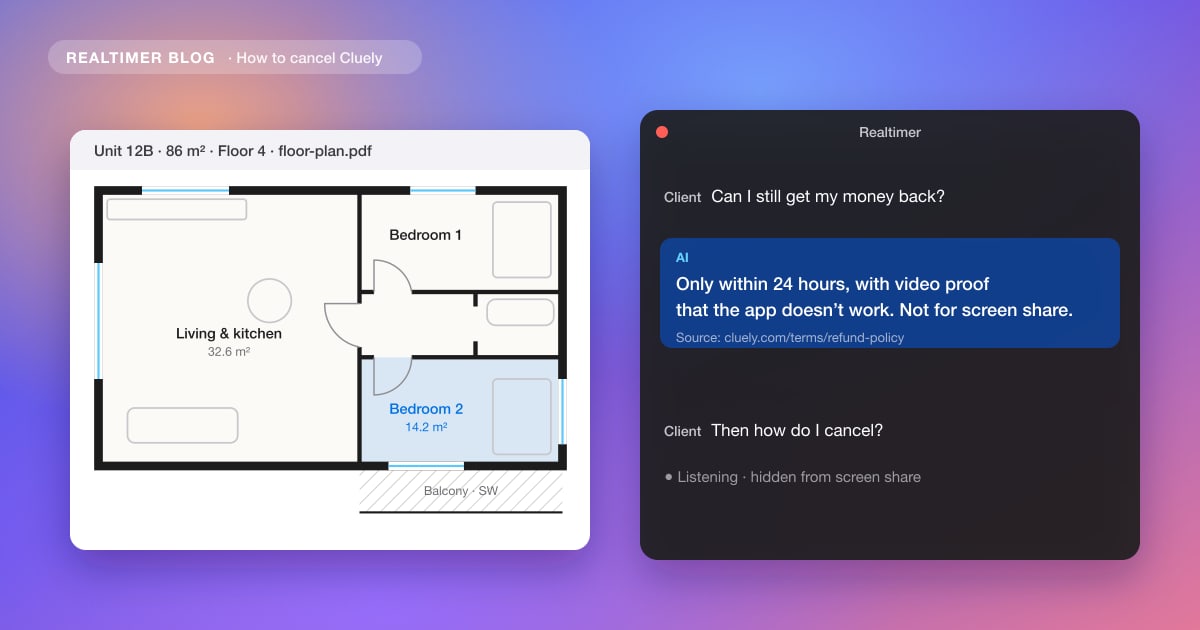
You cancel Cluely in your account settings, and the plan stays active until the end of the period you paid for. Getting money back is harder: Cluely’s refund policy covers only the first 24 hours after purchase, and only if you can send a video showing the app doesn’t work on your computer.
From Cluely’s cancellation policy and refund policy (both last updated 20 April 2025) and its terms of service (10 June 2025), checked on 29 October 2026. We make Realtimer, which competes with Cluely.
How to cancel Cluely
1. Open your account settings and cancel the subscription. Cluely’s cancellation policy says you can cancel at any time there.
2. Do it before the renewal date. A monthly plan ends at the end of the current month, an annual plan at the end of the year you paid for. There are no partial refunds for the time left.
3. Keep proof. Take a screenshot of the cancellation and check your next card statement. Several Trustpilot reviewers say they were charged after cancelling. Cluely’s terms of service also mention written notice of non-renewal at least 30 days before renewal, so on an annual plan cancel well before the date.
How to ask for a refund
Cluely’s refund policy allows a refund within 24 hours of purchase, and only if you show video evidence that the software isn’t working on your computer. Email Cluely support with your purchase details, the reason and the video. The policy says you get an answer within 48 hours and an approved refund takes 5 to 7 business days.
Some reasons don’t qualify at all. The policy names detection by screen sharing software and slow answers as not refundable, and gives no refunds on Windows 10 computers.
| Situation | Refund under Cluely’s policy |
|---|---|
| Within 24 hours, app doesn’t work, video proof | Yes, if approved |
| After 24 hours | No |
| Seen on a shared screen | No |
| Answers too slow | No |
| Windows 10 computer | No |
| Cancelled mid-period | No partial refund; access until the period ends |
What other users report
On 29 October 2026 Cluely had 1.6 out of 5 on Trustpilot from 23 reviews, almost all one star. Most of them are about charges after cancelling, renewals to annual plans and refused refunds. More in Cluely pricing.
Looking for a replacement?
Realtimer is a real-time AI assistant for Mac. Its window is hidden from screen sharing on every plan, including Free, and it answers from your own documents with the source file. Pro is €29 a month; cancel any time and the plan runs to the end of the paid period. Free Cluely alternative →
Cancelling Cluely: FAQ
How do I cancel Cluely?
In your account settings. The plan stays active until the end of the period you paid for.
Can I get a refund from Cluely?
Only within 24 hours of purchase and only with video evidence that the app doesn’t work on your computer, according to Cluely’s refund policy.
Does Cluely refund if it shows up on screen share?
No. Its refund policy lists detection by screen sharing software as not refundable.
Does Cluely give partial refunds if I cancel mid-month?
No. Its cancellation policy says there are no pro-rata refunds; you keep access until the period ends.
Sources: Cluely cancellation policy · Cluely refund policy · Cluely terms of service · Trustpilot: Cluely