Sales Battlecard Template (Free, Copy and Paste) with a Filled-In Example
By Andrew from Realtimer · Updated
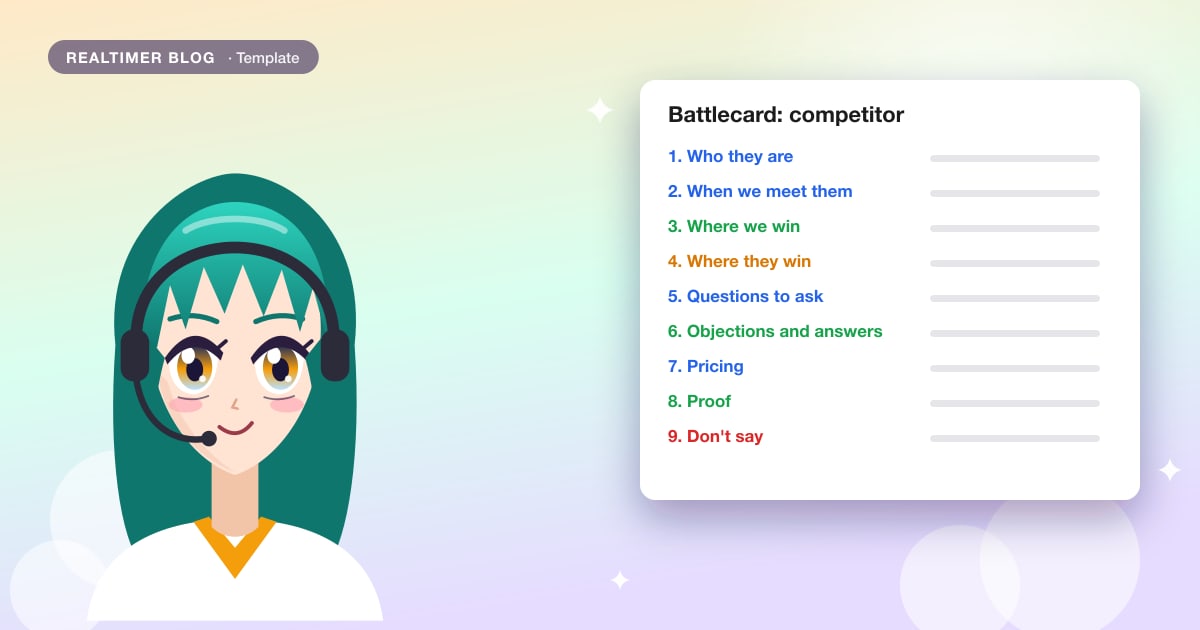
A battlecardis what a rep reads when the buyer says “we’re also looking at Northwind”. It should give them something to say within a few seconds, and every claim on it should hold up if the buyer checks. Below is a one-page template you can copy into a doc, your wiki or your CRM, the same template filled in for a fictional competitor, and how to keep it current.
We make Realtimer, a Mac app that shows the right line from your battlecards during a call. The template works on paper or in any tool.
Sales battlecard template
Use one card per competitor. Copy it as plain text and keep it to one page.
BATTLECARD: [Competitor]
Owner: [name] | Last checked: [date]

1. Who they are
   [What they sell, who usually buys it, typical price range]

2. When we meet them
   [Deal types, company sizes or industries where they show up]

3. Where we win
   - [Point] | Proof: [customer, number or test]
   - [Point] | Proof: [ ]

4. Where they win
   - [Be honest: what buyers like about them]

5. Questions to ask
   - [A question that brings up a need they handle badly]
   - [ ]

6. Objections and answers
   "[What the buyer says]"
   Answer: [two or three sentences you can say out loud]

7. Pricing
   Them: [public price, what's included, date checked]
   Us: [our price for the same setup]

8. Proof
   [A customer who switched or chose us over them, with a number]

9. Don't say
   [Claims we can't back up; old news about them]
Filled-in example
A card a warehouse software company might keep on a rival scanning app. Both companies, the customer and all numbers are made up.
BATTLECARD: Northwind Scan
Owner: Maria Lopez | Last checked: 10 November 2026

1. Who they are
   Warehouse scanning app for small distributors.
   Sold per device, $35 a month each; setup fee $2,000.

2. When we meet them
   Distributors with one or two warehouses, 5 to 30 scanners.
   Usually brought in by the ops lead, not IT.

3. Where we win
   - Works offline in cold rooms | Proof: Lakeside Foods pilot, no lost scans in 6 weeks
   - Accounting sync included | Proof: QuickBooks and Xero sync in every plan
   - No setup fee | Proof: price list, all plans

4. Where they win
   - Cheaper for 1 to 4 scanners
   - Ops teams like their pick-list screen; it's simpler than ours

5. Questions to ask
   - "What happens to scans when Wi-Fi drops in the cold room?"
   - "How do counts get into your accounting system today?"

6. Objections and answers
   "Northwind is cheaper per scanner."
   Answer: For 12 scanners it's $420 a month plus a $2,000 setup fee.
   Ours is $390 a month with no setup fee, and the accounting sync is included.

   "Our team already knows Northwind's screens."
   Answer: Fair. Training on ours takes about an hour per shift lead;
   we can run it on site during the pilot.

7. Pricing
   Them: $35 per scanner a month, $2,000 setup (their pricing page, 10 Nov 2026)
   Us: $390 a month for up to 15 scanners, no setup fee

8. Proof
   Lakeside Foods compared both in October and chose us for offline mode.
   Mis-picks went from 3-4 a week to under 1 in the pilot warehouse.

9. Don't say
   - "Northwind is going out of business" (rumor, no source)
   - "Their app crashes all the time" (one old review)
What goes in each section
What each section is for, and where to find what goes in it:
| Section | What it answers | Where to get it |
|---|---|---|
| Who they are | Who is the rep up against? | Their website, pricing page, LinkedIn |
| When we meet them | Is this deal one where they're strong? | CRM: deals where they were listed as a competitor |
| Where we win | What should the rep steer toward? | Won deals, pilots, product tests |
| Where they win | What should the rep not argue about? | Lost deals, their public reviews |
| Questions to ask | How does the buyer find the gap on their own? | The needs from your win column |
| Objections and answers | What does the rep say out loud? | Call recordings, discovery notes, your price list |
| Pricing | Is the price objection real? | Their pricing page (date it), your own price list |
| Proof | Why should the buyer believe it? | Customers who switched, with permission to mention them |
| Don't say | What could backfire? | Legal, old rumors, claims nobody can source |
Write answers a rep can say out loud
Reps use the objection section most during a call, so it deserves the most care. Write each answer the way you would say it on a call: two or three sentences, with one number if you have one. “Leverage our superior integration capabilities” doesn’t help anyone who has five seconds; “the accounting sync is in every plan, theirs is an add-on” does.
Start an answer by agreeing with the part that’s true. If they really are cheaper for small teams, say so, then move to what the buyer gets for the difference. Buyers often check what you say against the other vendor’s sales call, and one claim that doesn’t hold up makes them doubt the rest.
A question can work better than an answer. “What happens to scans when Wi-Fi drops?” lets the buyer find the gap on their own, and it carries no risk if the competitor has since fixed it. More on prepared answers in the glossary.
Keep it current
Put an owner and a “last checked” date at the top. Prices and plans change more often than anything else on the card, so date every price you copy from a competitor’s site and check it again at least once a quarter, or when a rep says the buyer quoted a different number.
After each lost deal against this competitor, read the notes and ask what the card was missing. If the buyer’s reason isn’t on it, add it to “Where they win” or to the objections. If you take notes with our discovery call notes template, the Alternatives field shows which competitors come up and how often.
Short version for a minor competitor
For a competitor you meet a few times a year, six lines are enough. If they start showing up more, switch to the full card.
QUICK BATTLECARD: [Competitor]
They win when: [ ]
We win when: [ ]
Ask: "[one question]"
If they say "[objection]": [answer]
Price: them [ ] / us [ ] (checked [date])
Mistakes that make battlecards go unused
Cards that run to five pages don’t get opened during a call. Put the full competitor research in a separate document and keep the card to what a rep can scan while the buyer is talking.
Cards that only praise your product get ignored by reps who have lost deals to that competitor. An honest “Where they win” section makes the rest of the card believable.
Prices without a date go stale without anyone noticing, and a rep quoting last year’s competitor price looks unprepared. So does repeating a rumor about a competitor’s finances, or one old review presented as a pattern.
In the US, the FTC allows naming competitors in comparisons as long as the comparison is truthful and not deceptive. That’s a safe rule for what reps say on calls too: if a claim can’t be backed by a source on the card, it goes under “Don’t say”.
Do battlecards help win deals?
In Crayon’s 2021 State of Competitive Intelligence survey of more than 1,000 people, 71% of businesses that use battlecards said they had improved their win rates as a result. Crayon sells competitive intelligence software and the answers are self-reported, so treat this as a sign that teams find them useful, not as a measured effect.
The same survey found that only 65% of businesses using battlecards were happy with how much their reps use them. That leaves about a third whose reps use the cards less than the company would like.
Battlecards during a live call
On a call, nobody scrolls through a wiki while the buyer waits. Some teams keep the card open on a second screen. Some sales tools, among them the Nooks dialer and Clari Copilot, show a card on their own when a competitor comes up, for calls made through them; more in our list of real-time AI sales assistants.
Realtimer works with Zoom, Meet, Teams, WhatsApp or any other call app on your Mac. Save each battlecard as a Word, PDF or Markdown file in your knowledge base, one file per competitor. When the buyer says “we’re also looking at Northwind”, press a key and the matching line is on your screen in about a second, with the file name under it so you can check where it came from. Nothing joins the call, and the window doesn’t appear when you share your screen. See Realtimer for sales.
Your battlecards, on screen during the call
Realtimer runs on your Mac next to Zoom, Meet, Teams or any other call app, and joins nothing. When a competitor comes up, it shows the line from your own battlecard in about a second, with the file it came from. Free with your own API keys. Realtimer for sales →
Sales battlecards: FAQ
What should a sales battlecard include?
Who the competitor is, the deals where you meet them, where you win and where they win, questions to ask, objections with short answers, a dated price comparison, proof such as a customer who switched, and claims reps shouldn’t make.
How long should a battlecard be?
One page per competitor. Anything longer doesn’t get read during a call. Keep the full research in a separate document and link to it.
How often should battlecards be updated?
Check prices and plans at least once a quarter and whenever a rep hears a different number from a buyer. Review the card after every lost deal against that competitor.
Who should own battlecards?
One named person per card, usually in product marketing or sales enablement, with reps sending in what they hear on calls. Without an owner, nobody updates the prices.
Is it legal to name competitors on a battlecard?
In the US, the FTC accepts naming competitors in comparisons as long as what you say is truthful and not deceptive. Keep a source for every claim and leave rumors off the card.
What is the difference between a battlecard and a sales playbook?
A playbook covers the whole sales process: buyers, deal stages, questions and objections. A battlecard covers one competitor or topic and fits on one page.
Sources: Crayon: sales enablement statistics from the 2021 State of CI report (crayon.co) · FTC policy statement on comparative advertising (16 CFR 14.15) (ecfr.gov)