AI Meeting Assistant Without a Bot: 6 Tools That Don’t Join Your Call (2026)
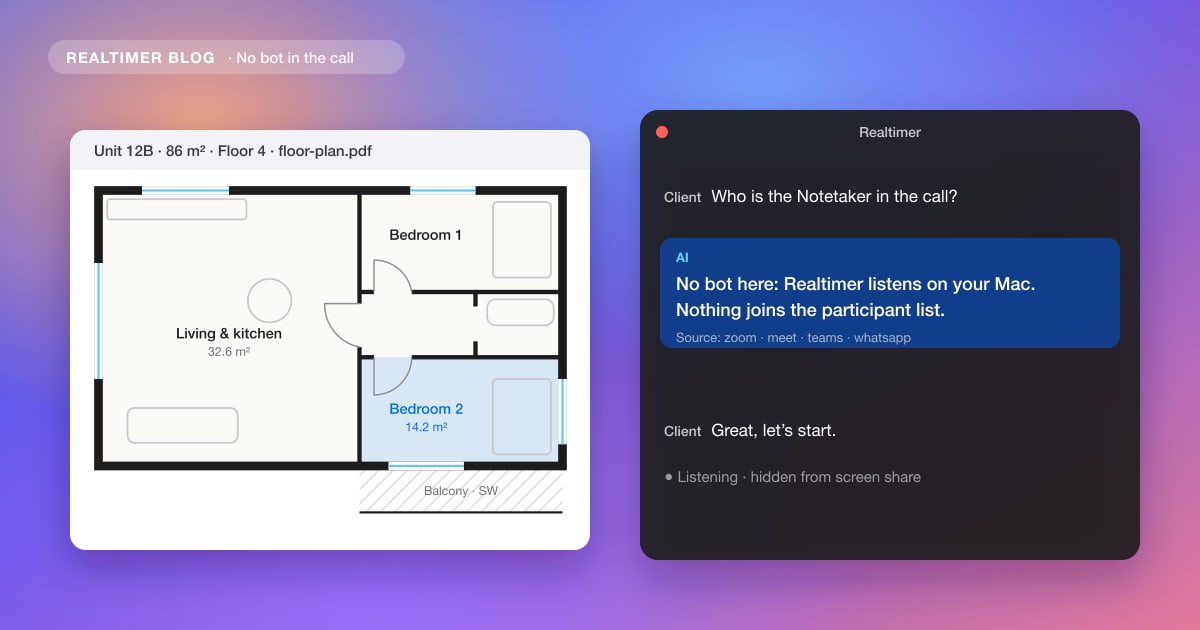
Most AI notetakers join your meeting as a bot: “Notetaker” or “Recorder” appears in the participant list, and everyone on the call sees it. A smaller group of tools doesn’t join at all. They run on your own computer and listen to the call’s audio there, so they work with any call app, including a prospect’s Zoom link that a bot might not be let into.
Checked on 29 October 2026 against each product’s website and pricing page, linked below. We make Realtimer, one of the six.
How assistants without a bot work
A desktop assistant records two audio sources on your Mac or PC: your microphone and the system audio, which carries the other side of the call. That’s enough to transcribe both sides in Zoom, Google Meet, Teams, WhatsApp or a web dialer. Nothing joins the meeting, so there’s no extra participant to admit or explain.
The other route is the meeting platform’s own recording. Gong and Avoma can collect Zoom cloud recordings of meetings you host on a paid Zoom plan, without a bot. That covers notes after the call on Zoom only.
Six options without a bot
| Tool | What it does | Platforms | Hidden on screen share | Price |
|---|---|---|---|---|
| Realtimer | Answers during the call from your own files, notes after | Mac (Windows expected 1 Dec 2026) | Yes, every plan | Free with your own keys · Pro €29/month |
| Granola | Notes after the call | Mac, Windows, iPhone, Android | Not a live window | Free (30 days of history) · Business $14/user/month |
| Hedy | Live coaching (questions, follow-ups), summaries | iPhone, Android, Mac, Windows, web | Not stated | Free 5 h/month · Pro $12.99/month |
| Cluely | Live suggestions, notes | Mac (download on its pricing page), mobile app | Only on the $149.99 plan | Free · Pro $19.99 · Pro + Undetectability $149.99/month |
| Natively | Live suggestions; open source, own keys or local models | Mac, Windows | Stealth mode, described as best-effort | Free · paid plans with usage quotas |
| Native Zoom recording (Gong, Avoma) | Records Zoom meetings you host, without a bot | Zoom only, paid Zoom plan | Not applicable | Part of Gong or Avoma |
Realtimer
A real-time AI assistant for Mac. During the call, press a key and it answers the question you just heard from your own price lists, playbooks and documents in about a second, with the file it came from; prices are checked against your list. After the call you get notes and next steps. Its window is hidden from screen sharing on every plan, and it stores nothing unless you turn on call history.
Granola
An AI notetaker that runs on your computer and turns your rough notes plus the transcript into clean notes after the meeting. It doesn’t help during the call. Our Granola review covers pricing and privacy settings.
Hedy
A meeting coach on phone, desktop and web that suggests questions and follow-ups live. Live suggestions cover the first 30 minutes of a session on Free and 120 on Pro. See Realtimer vs Hedy.
Cluely
A live assistant that suggests what to say and writes notes. Its window is hidden from screen sharing only on the $149.99 plan. Details in Cluely pricing.
Natively
An open-source assistant for Mac and Windows that can run on your own API keys or local models. Compared in Natively alternative.
Native Zoom recording in Gong or Avoma
If your company uses Gong or Avoma, ask the admin about Zoom recording without the bot. It works for Zoom meetings you host and needs a paid Zoom plan. More in does Gong join calls as a bot and Avoma alternatives without a bot.
Notes after the call or help during it
On Google Meet specifically, see how to record Google Meet.
If you only need notes, Granola or native Zoom recording is enough. If you need help while the other person is still talking, choose between a coach that suggests questions (Hedy), general suggestions (Cluely, Natively) or answers from your own documents (Realtimer). On sales and real estate calls, where the hard questions are about prices and terms, answers from your own files matter most.
Consent still applies without a bot
Removing the bot only removes the visible notice in the participant list; the rules on recording stay. Some countries and US states require everyone’s consent to record or transcribe a call. Tell people at the start, or paste a short notice into the meeting chat.
AI meeting assistant without a bot: FAQ
Is there an AI meeting assistant that doesn’t join as a bot?
Yes. Desktop apps such as Realtimer, Granola, Hedy, Cluely and Natively listen to the audio on your own computer, so nothing appears in the participant list.
How does an AI notetaker work without a bot?
It records your microphone and your computer’s system audio, so it hears both sides of any call app: Zoom, Google Meet, Teams, WhatsApp or a web dialer.
Do I still need to tell people the call is transcribed?
Usually yes. Removing the bot only removes the visible notice; your legal duty stays. Recording and transcription rules differ by country, and some require consent.
Which no-bot assistant helps during the call, not only after?
Realtimer, Hedy, Cluely and Natively work during the call. Granola writes notes after it. Realtimer answers from your own documents and shows the source.
Can Gong or Avoma record without a bot?
On Zoom meetings you host, with native or cloud recording set up by an admin. On Teams and Google Meet, both use a bot by default.
Sources: Cluely pricing; Hedy pricing; Hedy; Granola review (Granola pricing and help center); Natively alternative; Gong recording; Avoma recording.