Claude Meetings Security and Privacy Issues (2026): What It Keeps, Who Sees It and What Admins Should Set
By Andrew from Realtimer · Updated
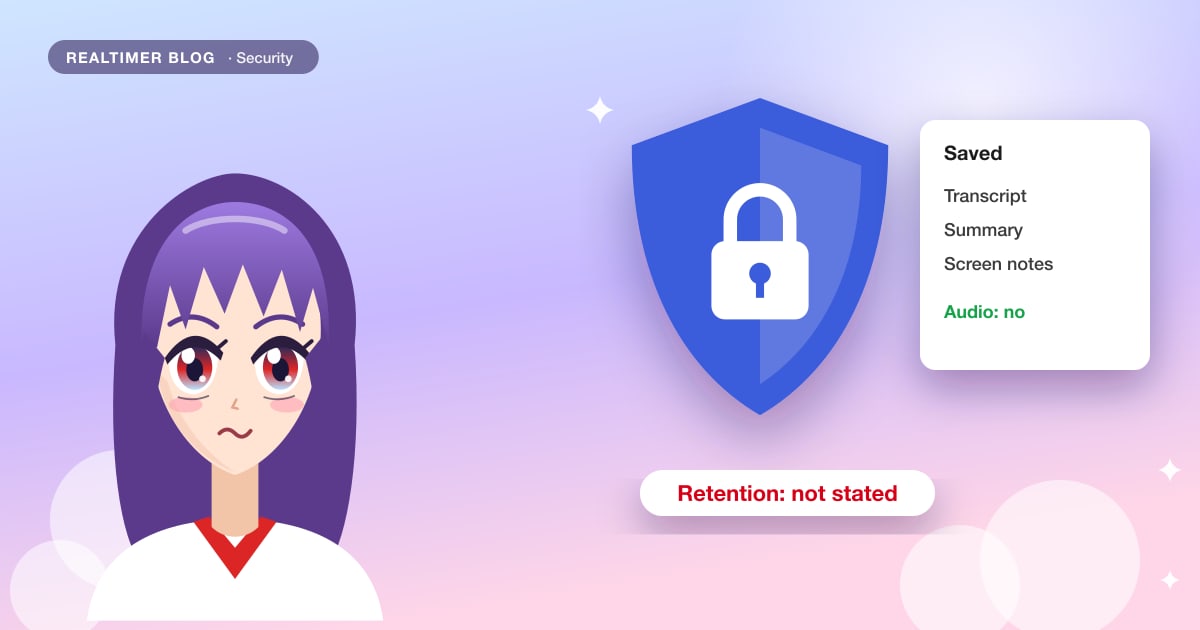
We found no reported breach or vulnerability in Claude Meetings as of 13 November 2026. The risks are in how the beta works: answers land in a chat everyone on the call can read, meeting pages have no published retention period, descriptions of shared screens are saved, and on Team plans clients’ words go into the transcript by default.
From Anthropic’s Claude Meetings announcement and help article, its data retention and commercial terms pages, and Computerworld’s launch coverage, checked on 13 November 2026. Claude Meetings is in beta and these details may change. We make Realtimer, a call assistant for Mac that works differently; it comes up at the end. For the feature itself, see what Claude Meetings is and our Claude Meetings review.
The issues at a glance
| Issue | What Anthropic says | What it means |
|---|---|---|
| Answers in the call chat | Anything posted in the Meet chat is visible to everyone on the call | An answer built from your tools is read by the whole call |
| Retention of meeting pages | No period stated for meetings; Enterprise data is kept indefinitely unless a custom period is set | Transcripts may stay until someone deletes them |
| Screen descriptions | Saved with the transcript and summary | What was on a shared screen is kept as text |
| Outside guests | Allowed by default on Team, off by default on Enterprise | Clients’ words can enter the transcript without them getting a copy |
| Consent | A notice in the chat; you must check everyone agrees to transcription | Legal consent stays your job |
| Access inside the company | In-org invitees can see and edit; the page can be shared in the organization | Sensitive internal meetings need care |
| Regulated organizations | Not offered with zero data retention, HIPAA-ready setup or customer-managed keys | Healthcare and similar teams can’t use it yet |
| Model training | Commercial terms bar training on customer content | Meeting content isn’t used to train models |
| Audio | Not saved | Only text leaves the call |
Answers are posted where everyone can read them
Claude answers in writing in the Google Meet chat, and Anthropic’s help article says anything posted there is visible to everyone on the call. Claude can also pull from a person’s connected tools, such as mail, documents or a CRM, after that person allows it once. Put the two together and a question about a deal or a candidate can bring details from someone’s tools into a chat the whole meeting reads. Owners can turn members’ connectors off for meetings with the setting “Members’ connectors in meetings”.
Spoken requests add a second path: anyone can say “Claude” and ask. For requests made aloud Claude asks for confirmation every time, and the help article says “for now”, so this may change.
No retention period for meeting pages
The Claude Meetings pages don’t say how long transcripts, summaries and meeting pages are kept, or how to delete one; removing Claude only makes it leave the call. Anthropic’s Enterprise retention article says data is retained indefinitely by default unless an owner sets a custom period, with 30 days as the minimum, and that setting covers chats, projects and artifacts. It doesn’t name meetings. Team plans have no custom retention setting in the pages we read. Gartner told Computerworld that Anthropic still has to show retention and auditability controls, and the Meetings help article mentions neither audit logs nor an admin export.
Shared screens are saved as descriptions
Claude saves “a transcript, summary, and screen descriptions, not audio”, in Anthropic’s words. Neither page says how detailed the screen descriptions are. If someone shares a dashboard, a contract or a customer list, assume a text account of it ends up on the meeting page that every in-org invitee can open. Ask people to share a single window rather than the whole screen when Claude is in the call; our note on screen sharing explains how windows are kept out of a share in common meeting apps.
Clients and other outside guests
On Claude Team, Claude may join calls with outside guests by default; an owner can turn that off. On Enterprise it stays out unless an owner allows guests, and leaves if an outsider joins, including another company’s notetaker bot. When guests are allowed, what they say goes into the notes and transcript, Claude doesn’t answer in the chat, and guests get neither the meeting page nor the recap.
This is the same ground where other notetakers ended up in court. Otter faces a consolidated class action over recording without consent, and Fireflies a proposed one over voiceprints; neither has a finding against it. Both cases are summarized in Otter pricing and Fireflies pricing.
Consent is left to you
Claude appears as a visible participant and posts a notice in the chat when it joins. Beyond that, the help article asks you to make sure everyone on the call is fine with being transcribed before adding Claude or turning on auto-join. Craig Durr of The Collab Collective told Computerworld that recording and consent rules vary by jurisdiction and company policy, and that IT, legal and HR should agree when Claude may join before rollout.
Auto-join is a personal setting: Claude joins all of a user’s meetings, or all except one-on-ones. Owners can’t switch it on for people, but once a user does, Claude can arrive in meetings where others didn’t expect it. Meet’s own recording options are in how to record Google Meet.
Access inside your own company
Invitees from your organization can see the notes and edit what Claude made, the recap e-mail goes to all of them, and the page can be shared with others in the organization. Later, anyone can ask Claude in a normal chat about past meetings they have access to. For HR, legal or board meetings that is wider access than a private notebook would give, so the safe default is to keep Claude out of them.
Prompt injection
Anthropic’s Meetings pages don’t discuss prompt injection. Its guidance for Claude Cowork says web content is a primary vector for such attacks and that each new connector or plugin adds ways for attacks to reach Claude. In a meeting, what people say, the chat and shared screens are all input. Limiting connectors in meetings and keeping tool use behind confirmation reduces what a planted instruction could reach.
What is reassuring
Some of the design is careful. Claude is a visible participant and announces itself. It doesn’t save audio. Enterprise keeps it out of calls with outsiders by default and makes it leave when one joins. Each person’s tools are used only with their permission. And Anthropic’s commercial terms say it may not train models on customer content, which covers Team and Enterprise. How Gong handles the same question is in does Gong join calls as a bot.
Settings to check before rollout
| Setting | Where | Safer choice |
|---|---|---|
| Who can use Meetings | Organization settings → Products → Claude Meetings (beta) | Specific roles first, not everyone (Team’s default is everyone) |
| Meetings with external guests | Same page | Off until legal agrees on consent |
| Members’ connectors in meetings | Same page | Off, or only for teams that need it |
| Data retention | Organization settings → Data and Privacy (Enterprise) | Set a period; ask Anthropic whether it covers meetings |
| Auto-join | Each user: Settings → Capabilities → Meetings | Ask users to exclude one-on-ones or leave it off |
A different model: nothing in the call
We make Realtimer, which avoids several of these issues by design. It runs on your Mac and joins no call, so there is no participant, no shared chat and no page for other invitees: the answer appears only on your screen. It keeps no audio, and saving calls is something you turn on. How it handles data is on our security page and in the privacy policy. The Meet side of Claude’s setup is in Claude Meetings for Google Meet. Telling the other side that an assistant is listening is still your job. Other tools that work without a participant are in AI meeting assistants without a bot, and the two products are set side by side in Claude Meetings alternative.
An assistant nobody else on the call can see
Realtimer runs on your Mac and joins nothing. When a client asks about price or terms, press a key and the answer appears in about a second from your own files, only on your screen. No audio is kept. Free with your own API keys. Realtimer for sales →
Claude Meetings security: FAQ
Is Claude Meetings safe to use?
No breach or vulnerability had been reported as of 13 November 2026. The risks come from the design: answers posted to the whole call, no published retention period for meeting pages, saved screen descriptions and guests in transcripts. Check the admin settings before rollout.
Does Claude Meetings record audio?
No. Anthropic says it saves a transcript, a summary and descriptions of shared screens, not audio.
How long does Claude keep meeting transcripts?
Anthropic’s Meetings pages don’t say. Enterprise data is kept indefinitely by default unless an owner sets a custom retention period of at least 30 days, and that setting names chats, projects and artifacts, not meetings.
Is Claude Meetings data used to train Anthropic’s models?
Anthropic’s commercial terms, which cover Team and Enterprise, say it may not train models on customer content.
Can Claude Meetings join calls with clients?
On Team, yes by default; on Enterprise only if an owner allows outside guests. With guests present it takes notes but doesn’t answer in the chat, and guests get no copy of the notes.
Who can see the meeting notes?
Invitees from your organization can see and edit them, the recap e-mail goes to them, and the page can be shared with others in the organization. Outside guests can’t see it.
Sources: Anthropic: Introducing Claude Meetings, now in beta (claude.com) · Claude Help Center: Use Claude Meetings (support.claude.com) · Claude Help Center: custom data retention for Enterprise (support.claude.com) · Claude Privacy Center: how long do you store my organization’s data (privacy.claude.com) · Anthropic: commercial terms (anthropic.com) · Claude Help Center: use Claude Cowork safely (support.claude.com) · Computerworld: Anthropic targets workplace collaboration with Claude Meetings (computerworld.com)