Claude Meetings for Google Meet (2026): Admitting Claude, the Meet Chat and How It Compares with Gemini
By Andrew from Realtimer · Updated
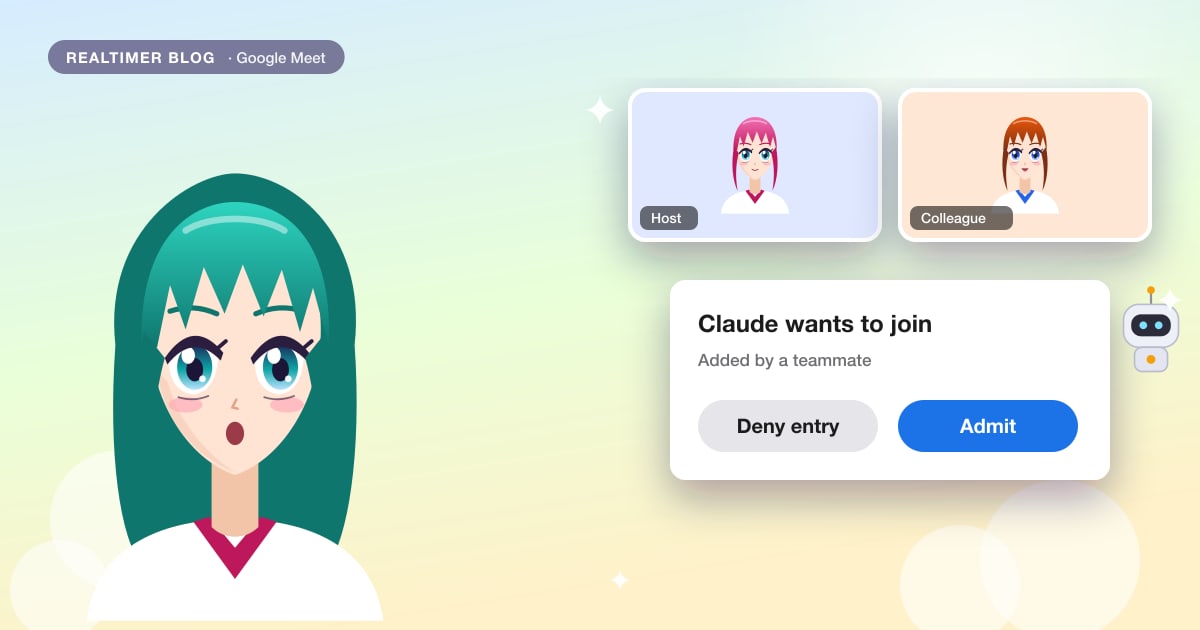
Google Meet is the only app Claude Meetings supports so far. Claude enters a Meet call like a guest: it asks to join, the host admits it, and it sits in the grid with its own tile. It reads and writes in the Meet chat, and its notes land on a page in Claude instead of in Google Drive. If your company already has Gemini in Meet, the choice between the two comes down to plans, where the notes live, and whether you want answers and documents during the call.
Claude details are from Anthropic’s announcement of 12 November 2026 and the Claude Meetings help article; Google details from the Google Meet Help Center. Both checked on 13 November 2026. We make Realtimer, a call assistant for Mac that also works in Meet. The basics of Anthropic’s tool are in what Claude Meetings is.
What you need
A Claude Team or Enterprise plan with Claude Meetings switched on by an owner, and the Google Calendar connector allowed for your organization. You connect Google Calendar in Claude, and Claude can then be added to any Meet call on that calendar. Organizations with zero data retention, a HIPAA-ready setup or customer-managed keys can’t use the beta. Nothing has to be installed in Meet, and Anthropic’s pages don’t name a Google Workspace edition as a requirement.
How Claude gets into the call
After you press Add Claude, Claude asks to join when the meeting starts. To the host it looks like anyone else knocking: Meet shows Admit or Deny entry, and Google advises the organizer to stay in the meeting to let people in. If the host denies entry, Claude doesn’t ask again unless someone adds it back. With Meet’s Host management turned on, only hosts and co-hosts can admit or remove people; it is off by default for Calendar events.
Inside the call Claude has its own tile showing its state and posts a notice in the chat. Anyone can ask it to leave, and a host can also use Meet’s Remove from the call. It stays for up to 8 hours. If auto-join is on for a user, Claude knocks on every meeting on their calendar, or every one except one-on-ones.
Claude and the Meet chat
You can ask Claude by saying “Claude” and the question, or by typing in the Meet chat, and it answers in the chat. In Meet, chat messages are visible to everyone in the call and to internal invitees on the calendar event. Without Google’s continuous meeting chat, Meet clears the messages when the meeting ends; Claude keeps its side on the meeting page in Claude either way.
Hosts can stop participants from sending chat messages in Meet’s host controls. Neither Google nor Anthropic says whether that also stops Claude from answering, so test it before you rely on it. When outside guests are allowed into the call, Claude stops replying in the chat but keeps taking notes.
Claude Meetings or Gemini in Meet
Google has its own assistant in Meet. Take notes for me writes notes into a Google Doc in the organizer’s Drive, with quick and full notes on separate tabs, and can e-mail them to invitees. Ask Gemini is Google’s assistant for questions during a meeting, on Workspace Business and Enterprise plans, and it doesn’t create a recording.
| Claude Meetings | Gemini in Meet | |
|---|---|---|
| Plans | Claude Team and Enterprise | Take notes for me: Workspace Business Standard and Plus, Enterprise Standard and Plus, Frontline Plus; Google AI Pro and Ultra |
| How it attends | A participant that has to be admitted | Built into Meet |
| Where notes go | A meeting page in Claude | A Google Doc in the organizer’s Drive |
| Answers during the call | In the Meet chat, for everyone | Ask Gemini, on Workspace Business and Enterprise plans |
| Makes documents live | Docs, whiteboards, slides | Not listed |
| Languages | Not stated | 8 for notes, one per meeting |
| Audio | Not saved | Notes don’t create a recording |
When each one makes sense
Gemini is already part of many Workspace plans, keeps notes in Drive next to the meeting’s other files and needs no one to admit it. Claude Meetings makes sense when the team lives in Claude: it can pull from Claude connectors beyond Google, build a whiteboard or a plan during the call, and send everything to a page colleagues already open in Claude. Running both in one call gives you two sets of notes, so most teams will pick one per meeting type.
Claude doesn’t record video
Claude saves a transcript, a summary and descriptions of shared screens, but no audio or video. If you need the video, use Meet’s own recording, which depends on your Workspace edition and saves to Drive; see how to record Google Meet. Meet’s transcripts, on Business Standard and above, also save to the organizer’s Drive, and people joining such a meeting see a notice. How Claude handles the text it keeps is covered in Claude Meetings security issues.
Other assistants that work in Meet
Meet has had third-party notetakers for years. Otter, Fireflies, Fathom and tl;dv all join as a bot, as Claude does, and work outside Meet too. Tools that record Meet with nothing in the call are listed in AI meeting assistants without a bot. If part of your team is on Zoom, where Claude Meetings doesn’t work yet, see AI for Zoom calls.
Meet calls with clients
Claude Meetings answers in the shared chat and goes quiet when an outside guest is present, so it isn’t meant for a call with a client. We make Realtimer for that case. It runs on your Mac, hears the Meet call through your computer without asking to be admitted, and shows the answer from your own documents only on your screen when you press a key. Notes follow when you hang up; see meeting notes. With the Realtimer connector, Claude can then read those calls. The full comparison is in Claude Meetings alternative, and our verdict on Anthropic’s tool in the Claude Meetings review.
Help on Meet calls that only you can see
Realtimer runs on your Mac and joins nothing, in Meet, Zoom or Teams. When a client asks about price or terms, press a key and the answer appears in about a second from your own files, with the source. Free with your own API keys. Realtimer for sales →
Claude Meetings for Google Meet: FAQ
Do I need Google Workspace to use Claude Meetings?
Anthropic’s pages don’t name a Workspace edition. You need a Claude Team or Enterprise plan with Claude Meetings switched on and the Google Calendar connector allowed.
Does the host have to admit Claude?
Claude asks to join like any participant, and Meet shows Admit or Deny entry. If the host denies it, Claude doesn’t ask again unless someone adds it back.
Can everyone see Claude’s answers in Google Meet?
Yes. Claude answers in the Meet chat, which everyone in the call can read.
Is Claude Meetings better than Gemini in Meet?
It depends on where your team works. Gemini is built into eligible Workspace plans and saves notes to Drive. Claude Meetings needs a Claude Team or Enterprise plan, answers in the chat and can make docs and whiteboards during the call.
Does Claude Meetings record the Google Meet video?
No. It keeps a transcript, a summary and descriptions of shared screens. Use Meet’s own recording for video.
Can a host stop Claude from answering in the Meet chat?
There is no documented setting for it. Meet lets hosts stop participants from sending messages, but neither Google nor Anthropic says whether that applies to Claude. With outside guests allowed, Claude doesn’t reply in the chat.
Sources: Anthropic: Introducing Claude Meetings, now in beta (claude.com) · Claude Help Center: Use Claude Meetings (support.claude.com) · Google Meet Help: take notes for me (support.google.com) · Google Meet Help: Gemini features by plan (support.google.com) · Google Meet Help: Ask Gemini in Meet (support.google.com) · Google Meet Help: host management (support.google.com) · Google Meet Help: admitting participants (support.google.com) · Google Meet Help: chat in Meet (support.google.com) · Google Meet Help: transcripts (support.google.com)